truepath: safety walking companion
Designing a quick action friendly looking app accessible style for the female solo commuters.
Project Overview
An AI-powered travel companion application that shifts the safety paradigm from reactive panic to proactive prevention by leveraging real-time environmental data. Subtle AI interactions will empower users to navigate nighttime cityscapes with confidence and peace of mind.
My responsibilities
- UX and UI design
- Researching
- Prototyping


everyday commuting should not be worried about
encourage simple safe journey
in everyday life
The Hard Question
How can we help women feel less unsafe when commuting alone.
Secondary research insights show
44%
of women feel unsafe when walking in the dark
50%
women felt unsafe walking alone after dark in a quiet street near their home.
compared to
men
1 in 7






What five women told us at midnight
"The anxiety peaks the moment they step off and walk alone"
Primary research insights from 5 interviewee show
Time Curfew
Phone call
Location Sharing
Environmental decay signals
unsafe areas (dark streets).
Step off the bus/tube to walk alone
makes them anxious
Gut-led threat detection
Women nearby are the strongest
safety proxy
Being foreign amplifies vulnerability
due to the unfamiliarity of the area
One-touch emergency
needed
Phone charge is a
non-negotiable safety
dependency
Reasons behind design decision: Designing for panic
A safety app that demands less of your attention. Your eyes should be on the street, not the screen.
Women don't need another app that reacts to emergencies.
They need one that prevents the emergency from happening.
Every feature was designed to work before danger arrives. Quiet data minimal interaction
and always one touch away from help.
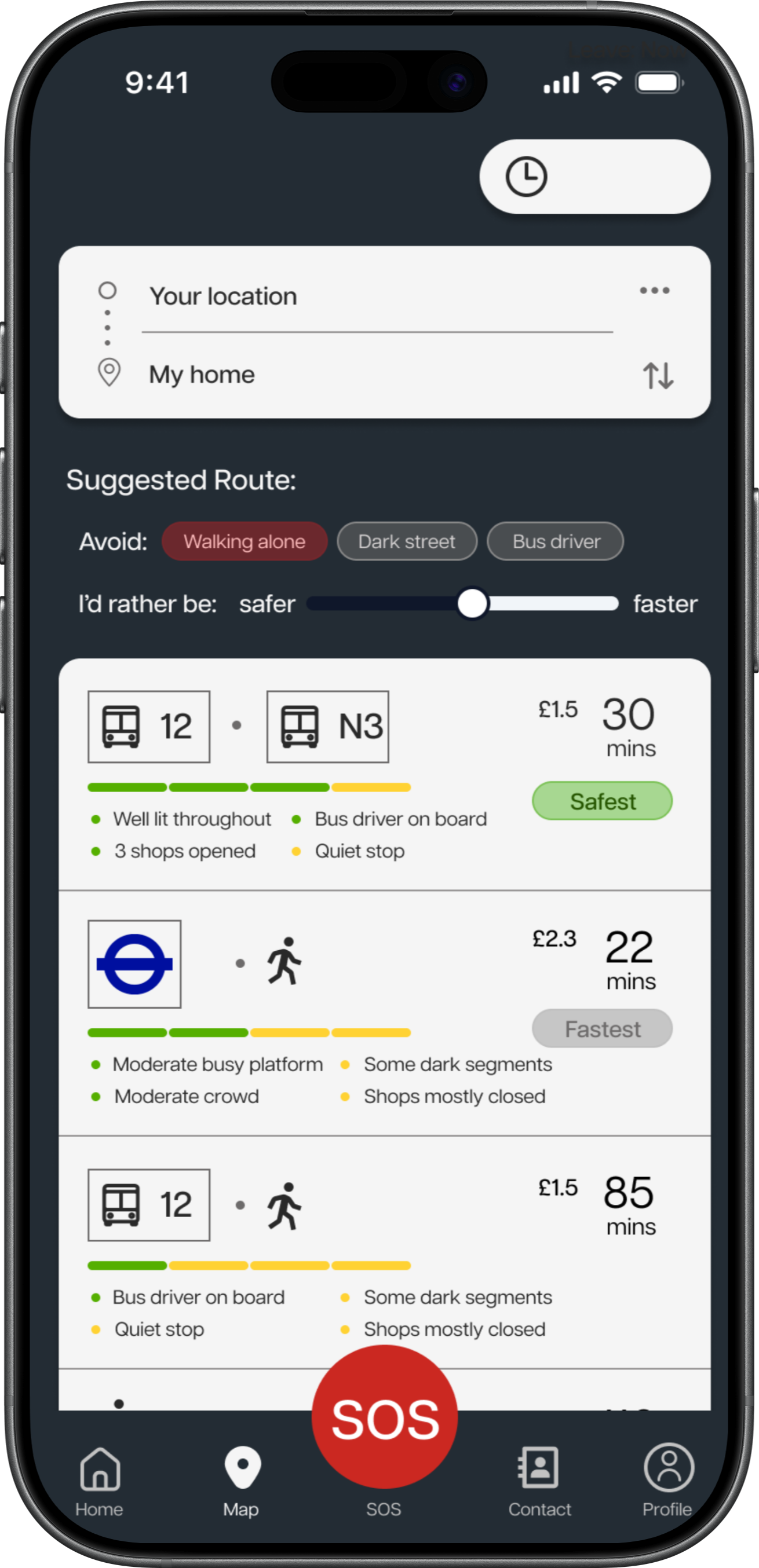
AI Safest route map
Three data sources predict the safest path. Users see choices of route they can choose one they feel comfortable with.

Three data sources, one quiet prediction
With evidence-sourced, safe routes suggested are more trustworthy.


Haptic Navigation
Users said they navigate by gut feeling. Haptic vibrations guide without requiring them to look at their phone all the time.
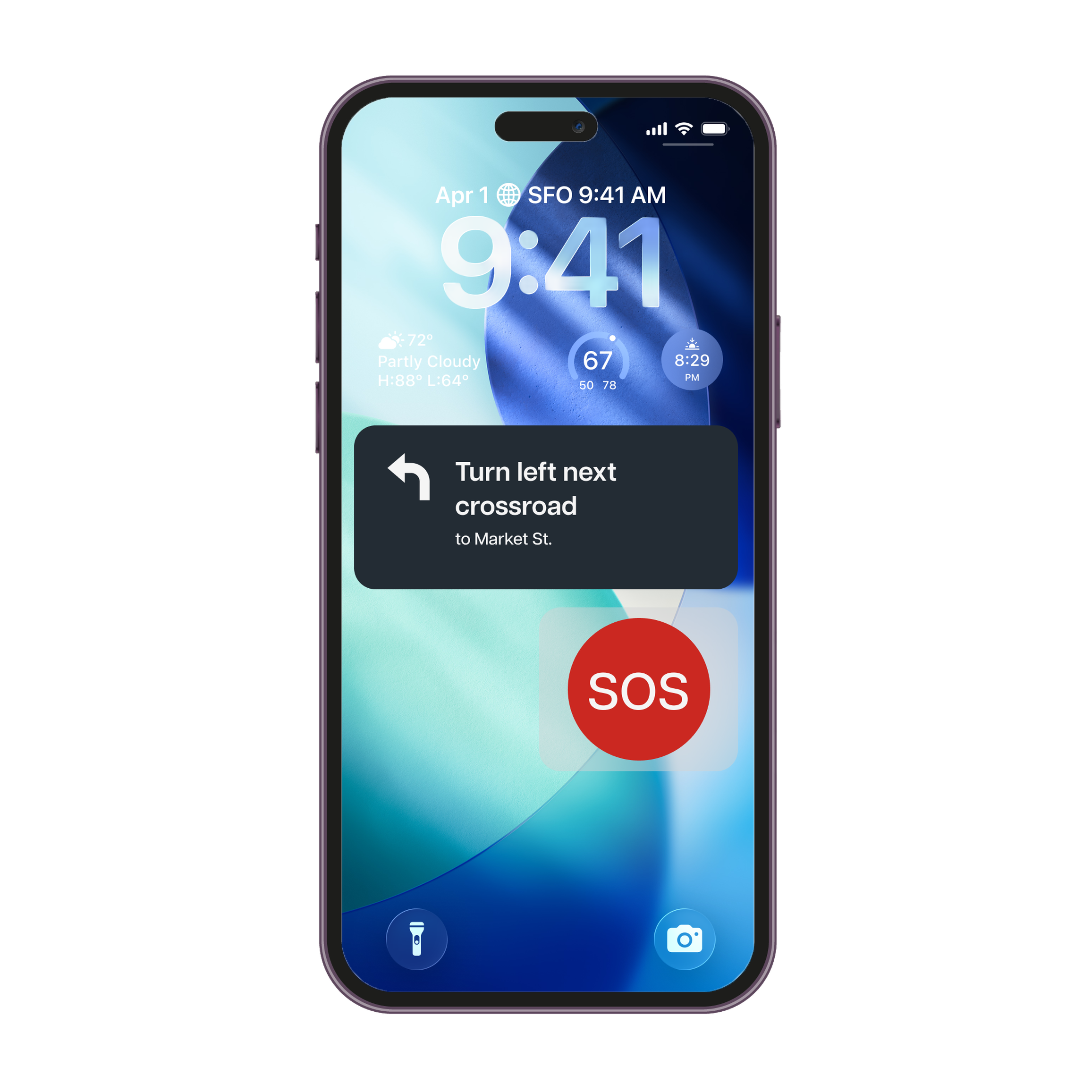

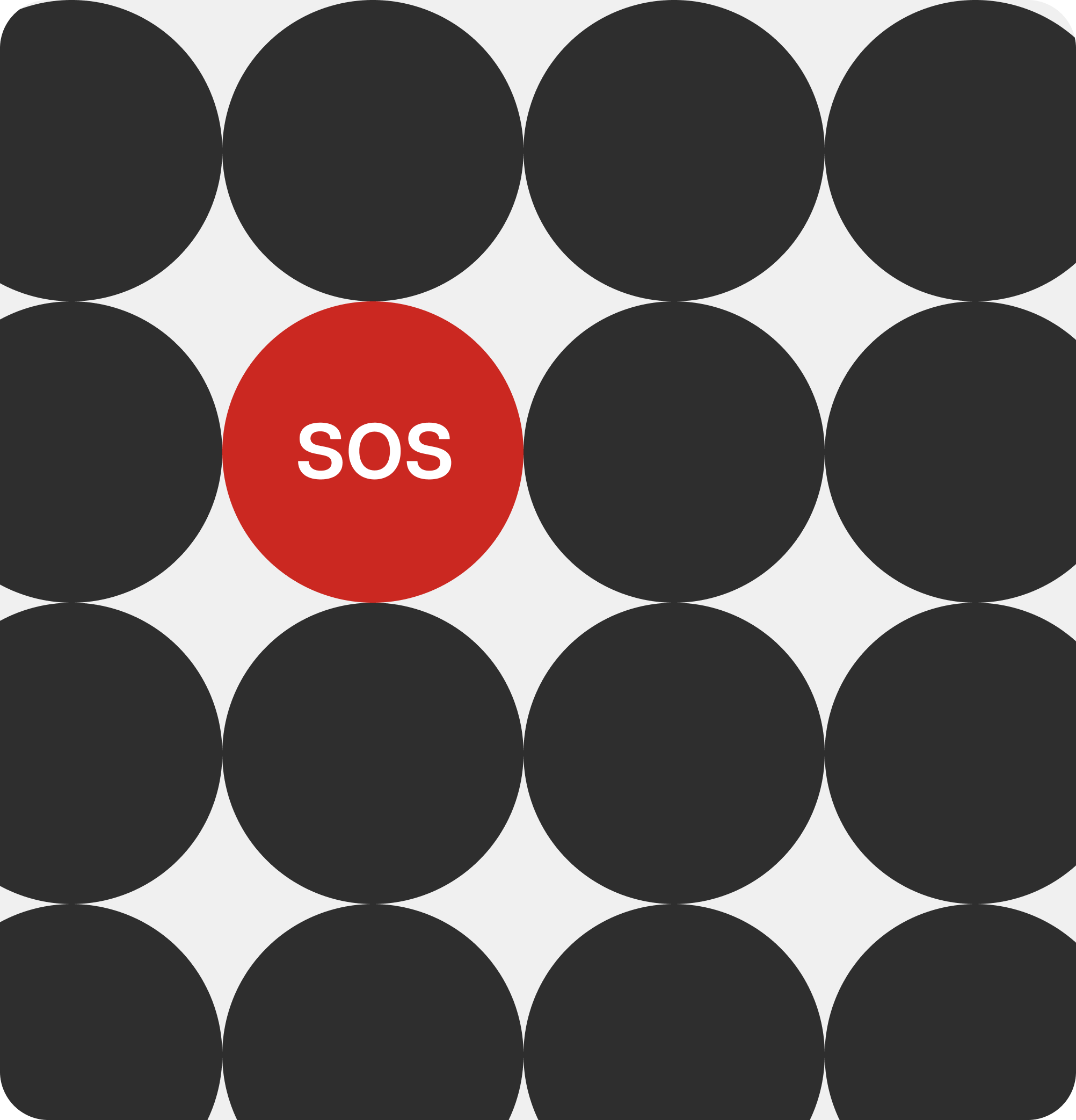
Easy-touch SOS
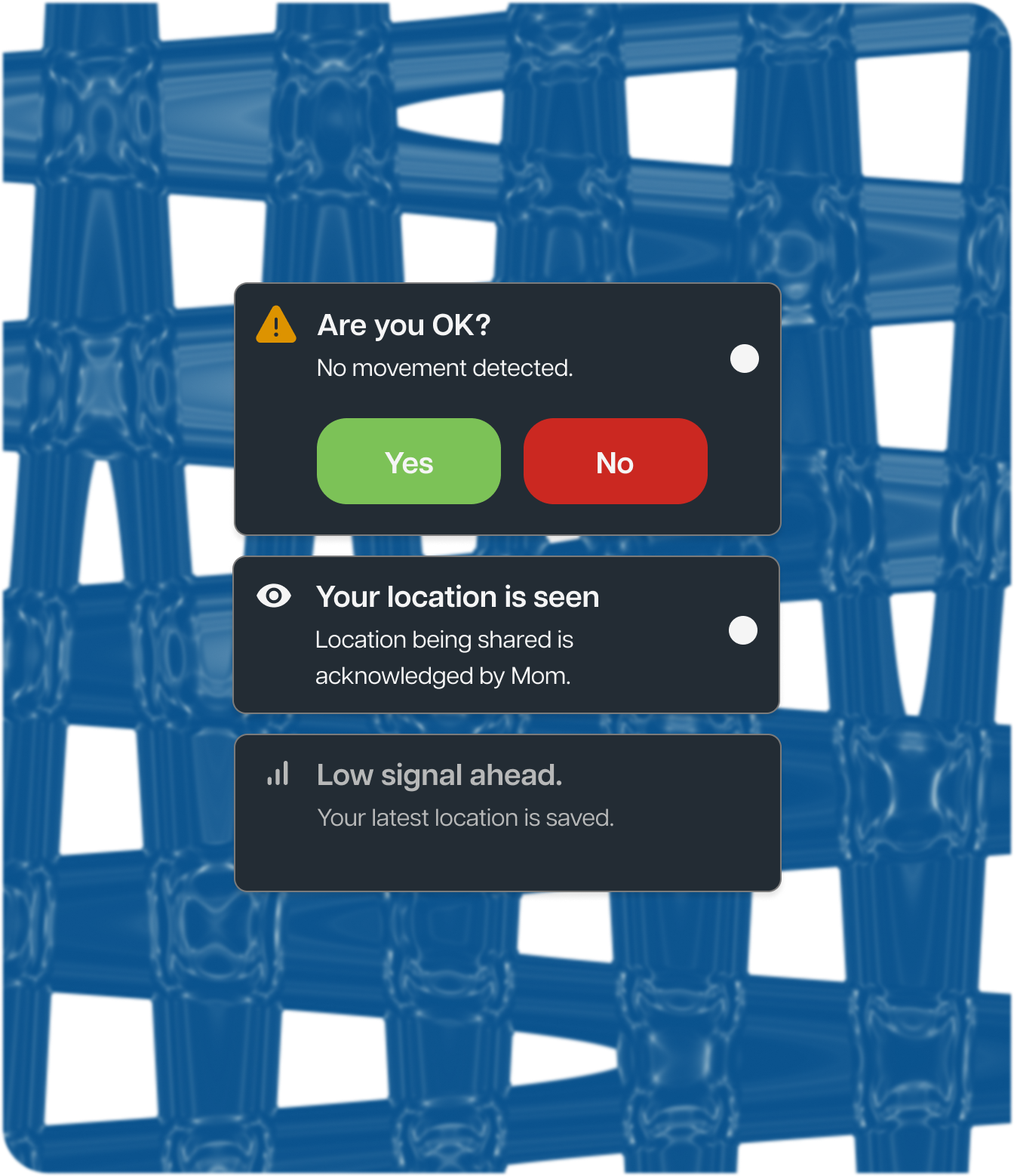
None of women wants to use emergency access, but they still need it. Emergency access should be in under 3 seconds. One button, no unlocking, location shared automatically.
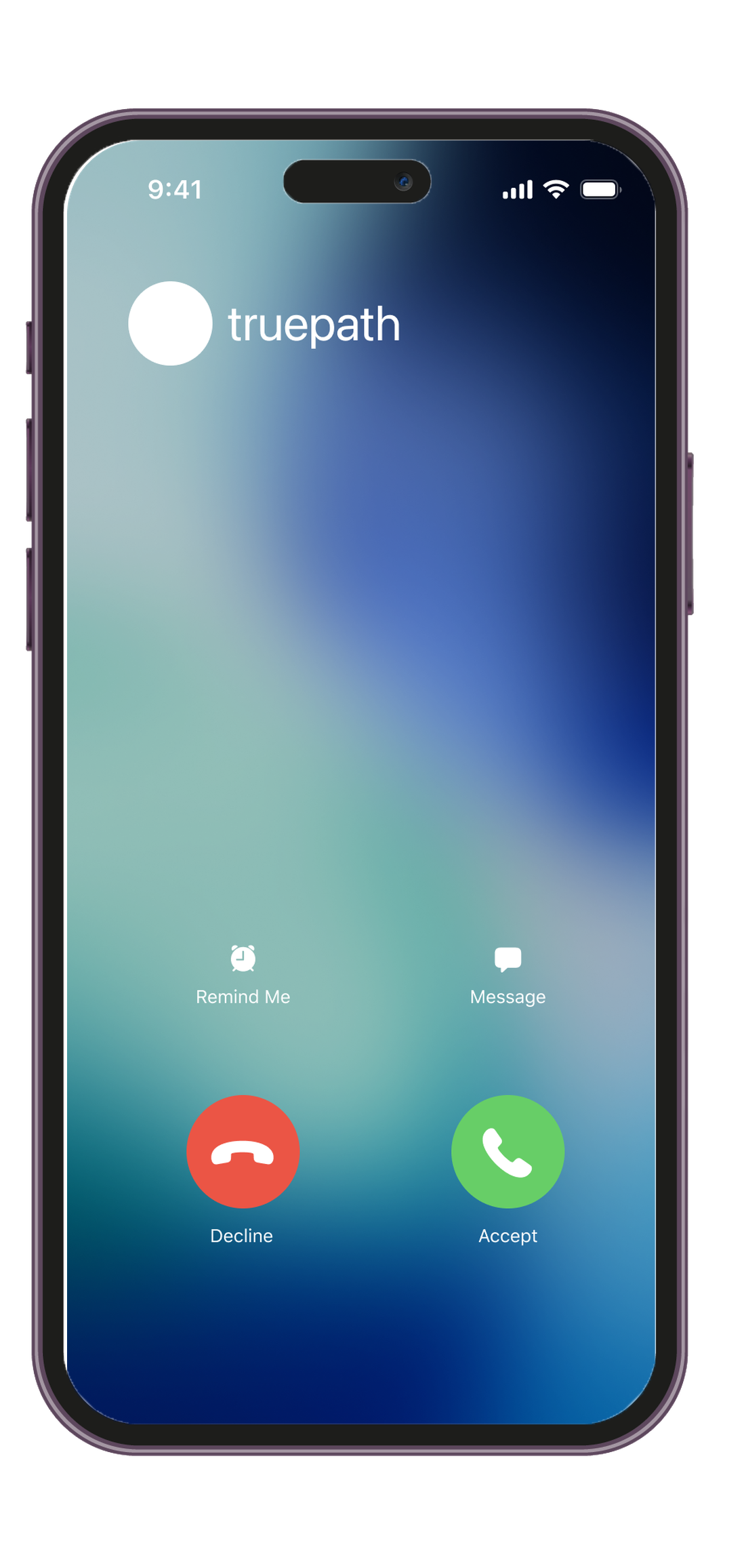
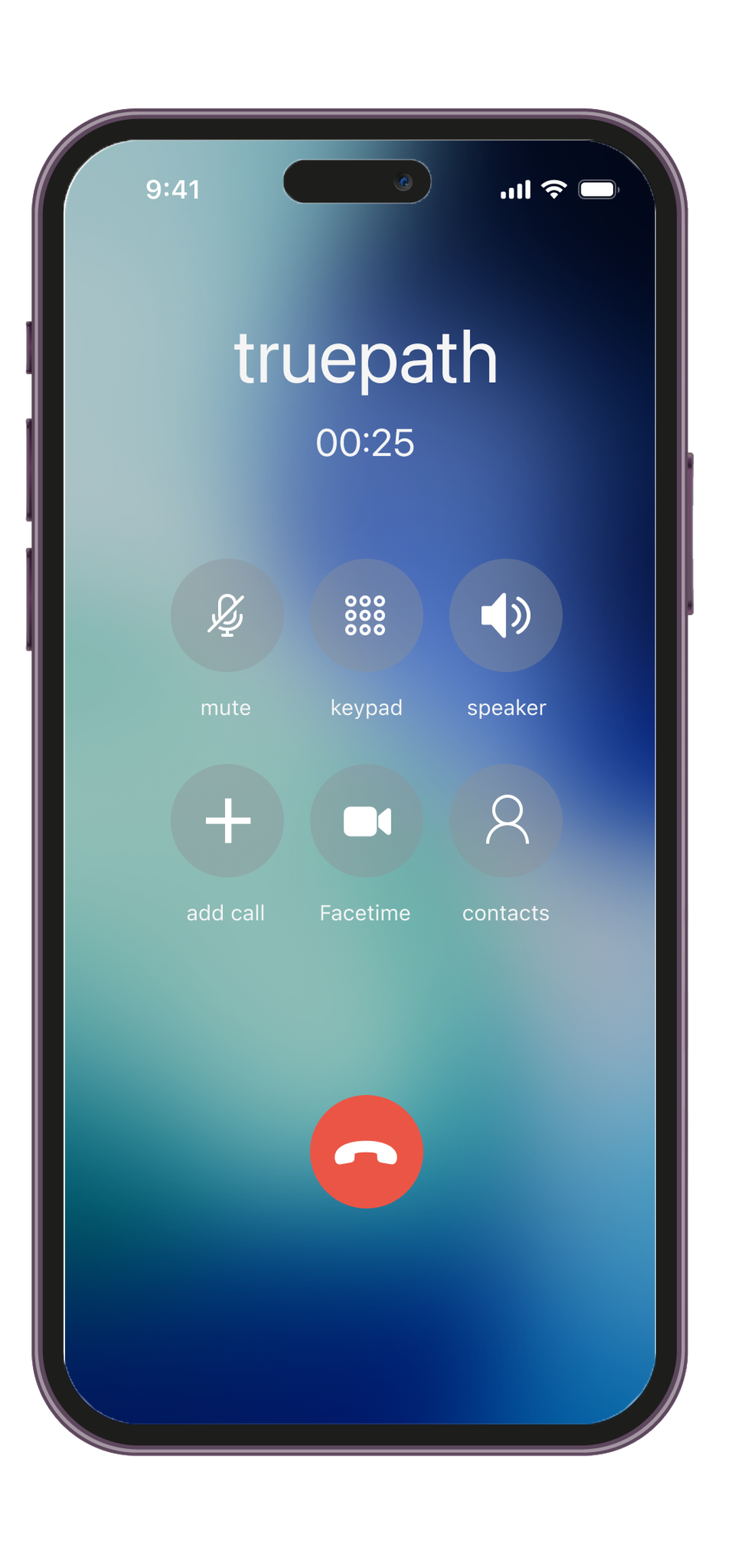
AI Fake call
The most common coping strategy women described was pretending to be on a phone call. I automated it into AI-integrated.
Design Approach
Dark mode
Because users might walk at night and a bright white screen kills their night vision and possibly makes them a visible target.
Blue branding
Allows the feeling of trust and calm without feeling cold or clinical.
Large touch targets
The user might be shaking or rushing, so emergency button should be easily touched at a glance.
Sans-serif typeface
Allows easily readable at a glance even in low light.


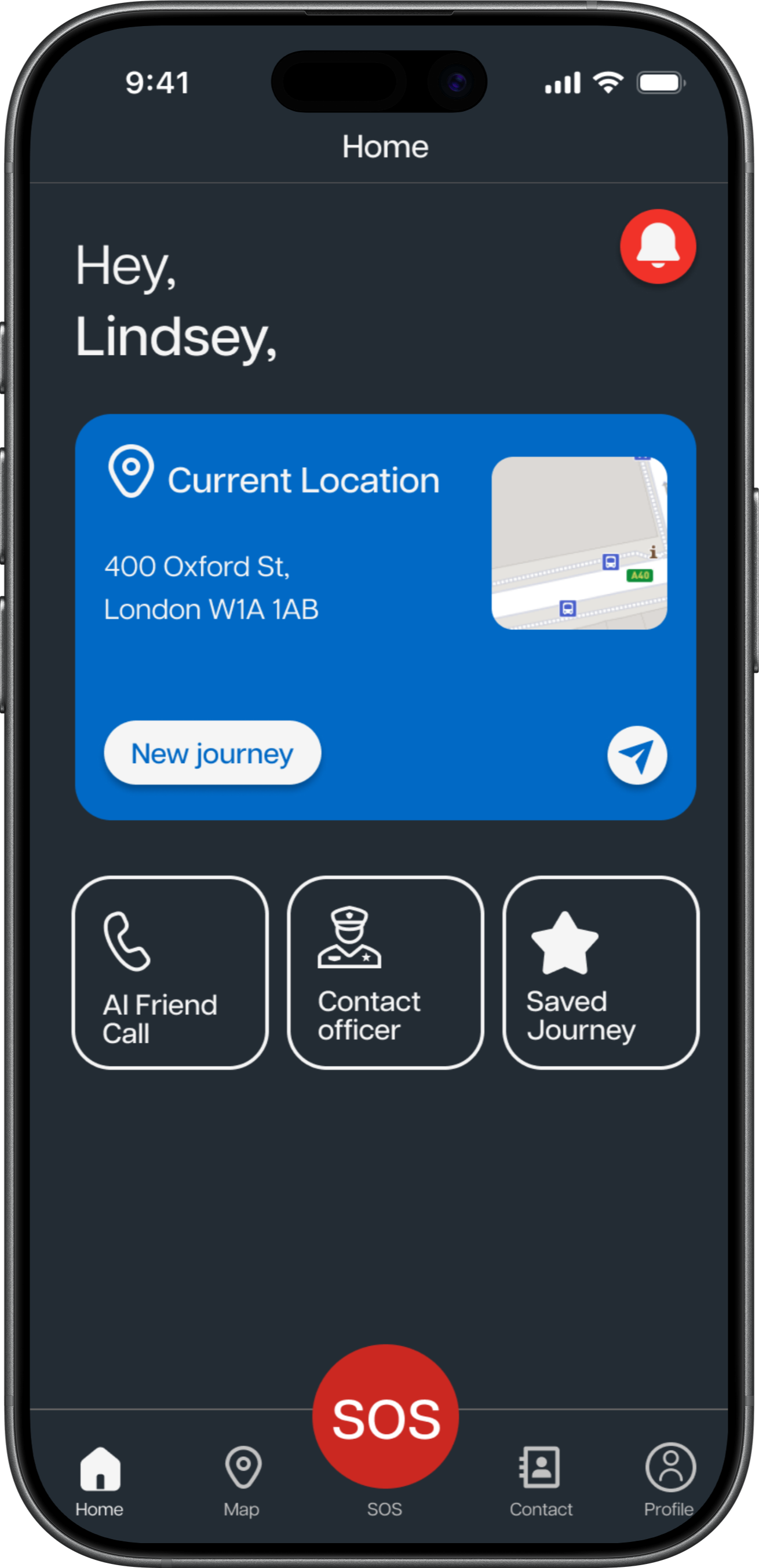
 AI Friend
Call
 Contact officer
 Saved
SavedJourney

SOS
What changed after testing with SUS scoring evaluation
3 out of 5 testing participants saying they might accidentally press SOS button during a simulated situation
I pull out a confirmation button to be easily pressed to prevent unintentional pressing.
SUS evaluation
truepath is built for everyday journey
What I’d do next
- With more time, I'd actually simulate the situation of female participants to walk alone in the dark rather than letting users imagined to see whether trust rate scoring would be different or not.
- Also, for future work, a feature of matching female users who go in the same direction would be worth to consider.
